The trainer obeys. Your power meter decides.
- Is your smart trainer reading slightly different watts from your power meter, and you want one source of truth indoors and out?
- Or do you just want a straightforward workout app, with a library of its own and your intervals.icu plan built in?
TrainerPower does both. Free, offline, and no sign-up.

Beta · free · Windows 10 and 11.
What you get
Everything it does.
- Power match Every workout run on your power meter, not the trainer’s own guess.
- Power adjust Learns your trainer’s error from ordinary rides and corrects it, so the meter can stay off the bike.
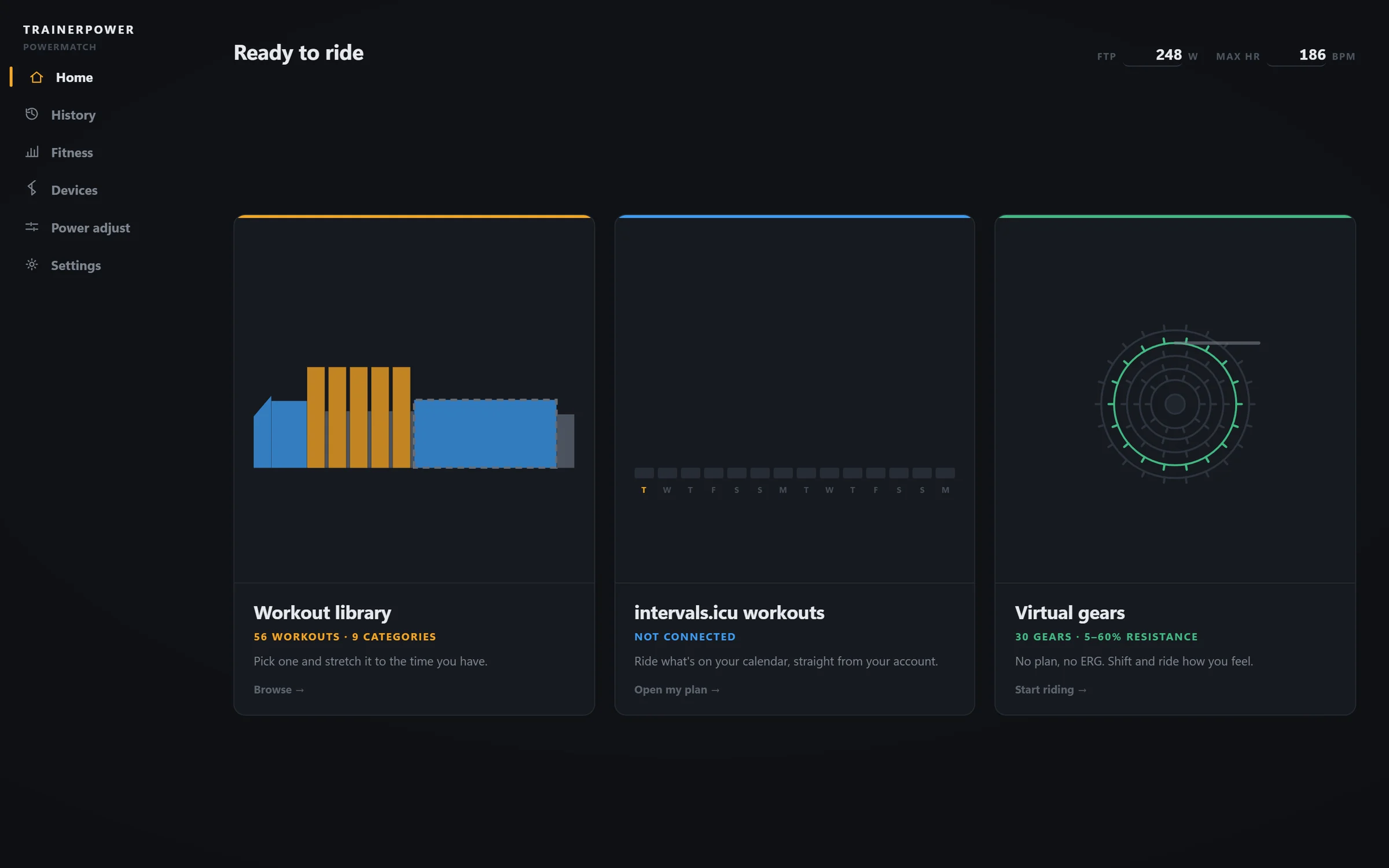
- 56 built-in workouts 9 categories, recovery through VO2max, each stretchable to the time you have.
- intervals.icu plan Ride what is on your calendar. FTP and power zones sync across too.
- Upload when you stop Finished rides go to intervals.icu and Strava, retrying if the network is down.
- Virtual gears 30 gears and no ERG, for the days you would rather ride by feel.
The whole app
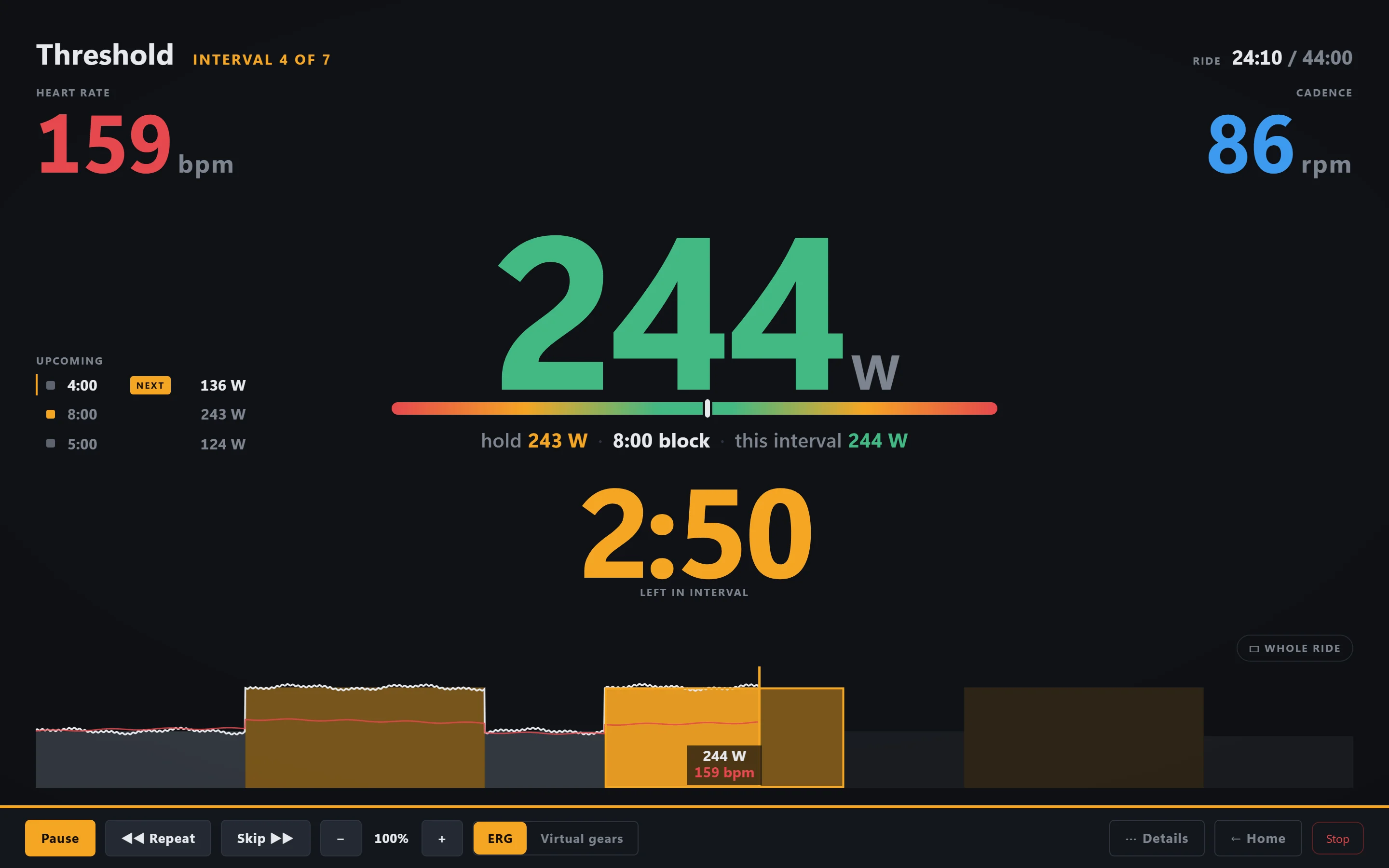
Pick a workout. Ride it. That is the loop.
01 · Power match
Train by your real power, every time.
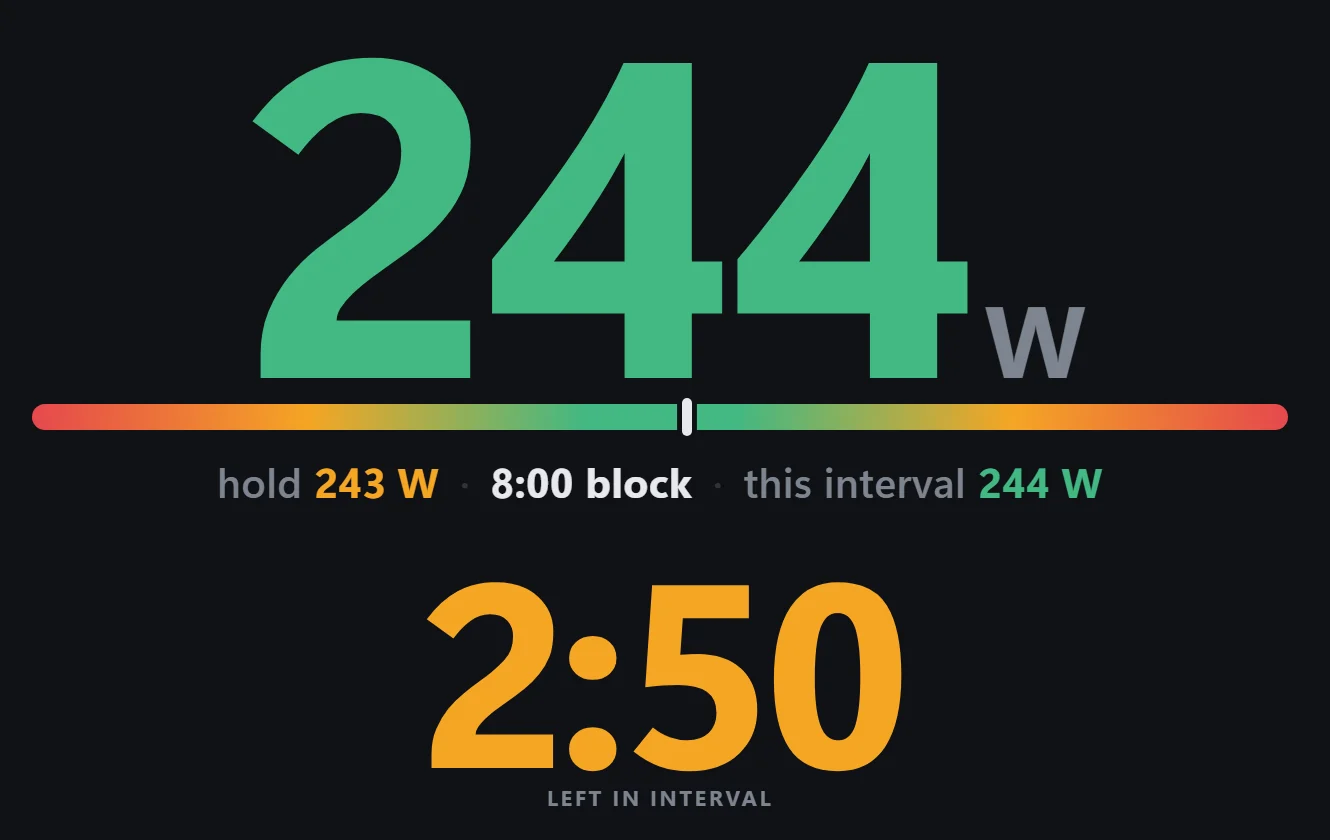
Your trainer measures power too, and it is never quite right. In ERG mode, most apps let the trainer chase its own number — so the effort you actually do is not the effort the plan asked for. TrainerPower watches your power meter instead, and keeps nudging the trainer until your meter reads what the workout wants.
- The workout asks for200 W
- Your trainer says you are doing200 W
- You are really doing207 W
The trainer marks its own homework, so it stops as soon as it is happy. You do the extra without ever being told.
- The workout asks for200 W
- Your trainer says you are doing193 W
- You are really doing200 W
The trainer’s own number is now the odd one out — which is fine, because it was the one that was wrong.
02 · Power adjust
It recalibrates your trainer to your power meter.
Every ride you do with both connected, TrainerPower compares the two and learns exactly how far out your trainer is. Nothing to set up and nothing to press: about three ordinary rides cover it, as long as some of it was hard. One 15-minute ramp does it in a single go.
After that your trainer is calibrated to your meter. So on the days the meter is not on the bike, whether it is on your other bike or flat, you can just ride, and the watts still come out right.
- Your trainer says you are doing200 W
- It already learned this one reads low−3.5%
- So you ride, and record, the true207 W
It corrects the workout’s target the same way, so the effort is right and not just the number on screen. One flat battery no longer leaves a hole in your season.
Get it · beta
Free on the Microsoft Store.
You need a smart trainer, a power meter and a Windows PC with Bluetooth. The Store installs it and keeps it up to date; nothing to renew. Connect intervals.icu or Strava only if you want them; the app rides fine with neither.
Microsoft checks and signs every version before the Store hands it out, so Windows installs it without an unknown-publisher warning. Updates arrive on their own, after you close the app, never mid-ride.
- StatusBeta
- Get it fromMicrosoft Store
- NeedsWindows 10 / 11
- RadioBluetooth LE
- WorkoutsBuilt-in + intervals.icu
- ExportsFIT · Strava · intervals.icu
- UpdatesAutomatic
- SubscriptionNone
- AccountNone
- Your ridesA file on your PC
- Raw trainer wattsAlways kept